
Access Controllers
62 results
Access Controllers
62 results
Electronic access control hardware for buildings: network door controllers that link readers and electric locks back to the management system, multi-door panels for larger sites, intercom-style controllers for entry phones, and the lock relays and power supplies that complete the install. Compatible with major access management platforms including Paxton, HID and Suprema.
Loading...

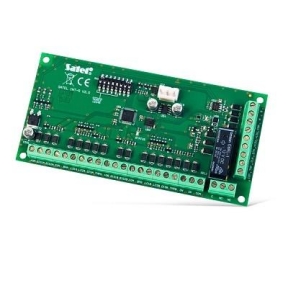

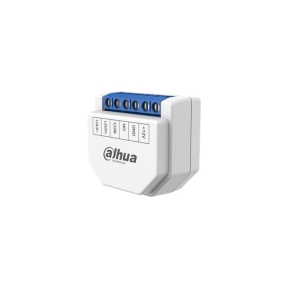



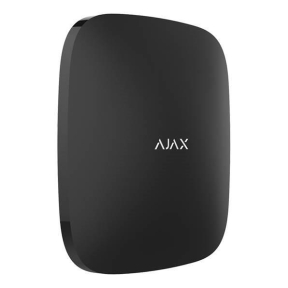

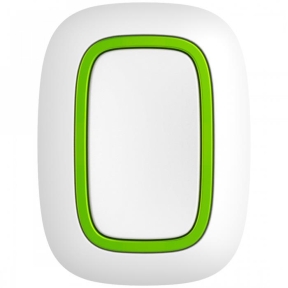

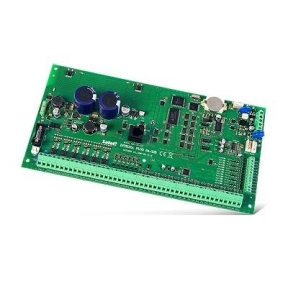
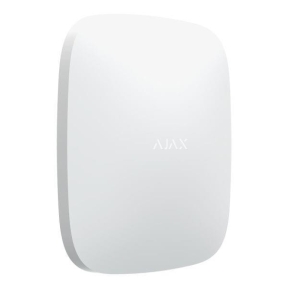

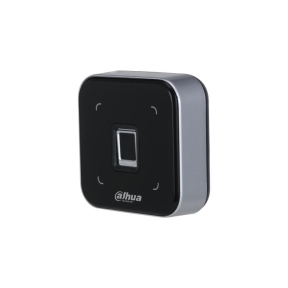


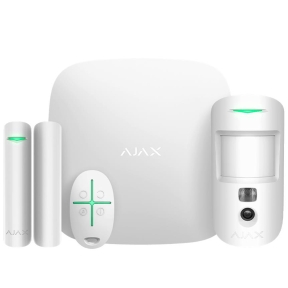

Access controllers and door management hardware for offices and restricted areas
The access controller is the brain of an electronic door system. It receives credentials from a reader, decides whether the user is authorised, and triggers the electric lock to release. For one or two doors, a small controller handles the job; for sites with dozens of doors, multi-door panels manage them centrally with software platforms tracking access events.
What this category covers
Single-door network controllers; multi-door panel controllers for 4, 8 and 16 doors; cloud-managed controllers that integrate with web-based platforms; intercom-style controllers for entry phones; lock relays for releasing electric strikes; door-state monitoring inputs for held-open detection; and the back-end power supplies and battery backup units that keep doors operating during outages.
How to choose an access controller
Match the controller to the door count and platform
For one or two doors, a single-door network controller is enough. For 4 to 16 doors, a multi-door panel mounted in a comms cabinet is more efficient and easier to manage. The controller must integrate with the access management platform the site uses; major platforms include Paxton, HID, Suprema, ZKTeco and several open-platform options.
Decide on cloud-managed or on-premise
Cloud-managed access controllers report events to a web platform and are managed remotely; perfect for multi-site portfolios and for organisations without dedicated IT. On-premise controllers store access rules locally with no cloud dependency; preferred for highly secure sites and for areas where internet connectivity is unreliable.
Plan for power and backup
Access control systems need uninterrupted power; doors that fail unlocked during a power cut create a security risk, doors that fail locked create a safety risk. Specify a power supply with battery backup sized for the site's risk profile, typically 4 to 8 hours of operation.
Confirm compliance and fire-safety integration
Doors on emergency exit routes must release on fire alarm activation, regardless of access control state. Specify controllers that integrate with the building's fire alarm system, with overrides documented in the install manual.
Key features to compare
Reader interface
Wiegand has been the standard reader-to-controller interface for decades; OSDP (Open Supervised Device Protocol) is the modern replacement, with bidirectional communication, encryption and tamper detection. New installs should specify OSDP-capable controllers.
Anti-passback and time zones
Anti-passback prevents one badge from being used twice in succession (one entry then another entry without an exit between). Time zones allow access only during specific hours. Both are standard on professional controllers but vary in implementation across platforms.
Audit logging and reporting
Controllers record every access event (allowed, denied, door held open, forced) with timestamps. Audit logs are essential for compliance and for investigating security incidents.
What to check before buying
- Door count today and planned in the next 3 to 5 years?
- Cloud-managed or on-premise platform?
- Reader interface (OSDP for new installs, Wiegand for retrofits)?
- Power supply with battery backup sized for the site?
- Fire-safety integration documented?
Frequently asked questions
What is the difference between a controller and a reader?
The reader is the device users interact with at the door (RFID reader, biometric scanner, keypad). The controller is the brain that receives the credential, checks against the access database, and unlocks the door. Many smaller systems combine both in one device; larger systems separate them so the controller stays in the secure cabinet while the reader is exposed at the door.
Can access controllers integrate with CCTV?
Yes. Most platforms tag access events to nearby cameras' footage, so a security manager can see who badged in and the corresponding video. Tight integration usually means choosing access control and CCTV from the same vendor or from vendors with documented integration.
What happens if the network or cloud fails?
Cloud-managed controllers cache access rules locally and continue operating during a network outage; the cloud platform syncs when connectivity returns. On-premise controllers continue working with their stored rules regardless. Network failure should not lock people out of doors they normally have access to.
Are biometric readers safer than card readers?
Biometric readers (fingerprint, face) prevent credential sharing but introduce other concerns (data protection of biometric data, false rejections, wear on the reader). Card-and-PIN combinations are still common and effective. Mobile credentials (Bluetooth and NFC on phones) are increasingly used and balance convenience with security.
How long do access control systems last?
Hardware lasts 10 to 15 years; the software platform is often the limiting factor as vendors discontinue older versions. Plan for a software refresh in years 7 to 10 even if the hardware still works. Cloud platforms typically receive ongoing updates without forced replacement.