
Network Adapters (NIC)
79 results
Network Adapters (NIC)
79 results
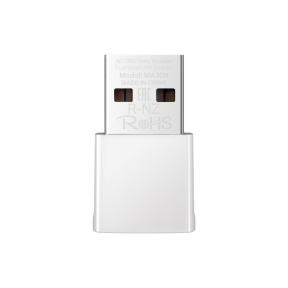
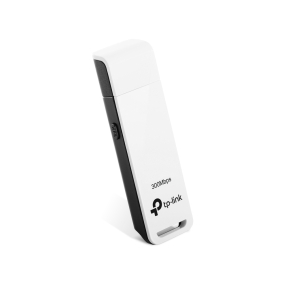
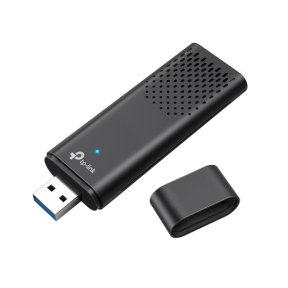
Network Interface Cards (NICs) for adding or upgrading network ports on desktops, servers and workstations. The selection covers PCIe cards in 1, 2.5, 10 and 25 GbE speeds, dual- and quad-port server NICs, USB-to-Ethernet adapters for notebooks and notebook docks, and SFP+ cards for fibre and direct-attach copper connections in server racks.
Loading...

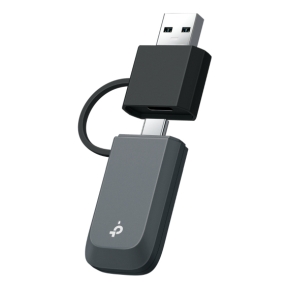



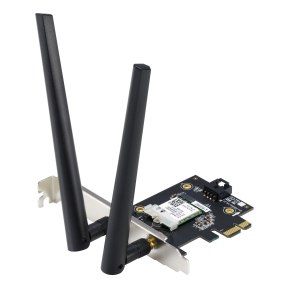

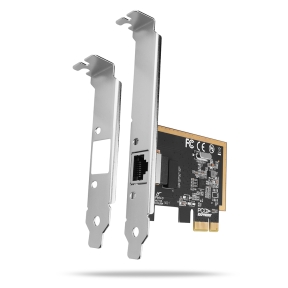

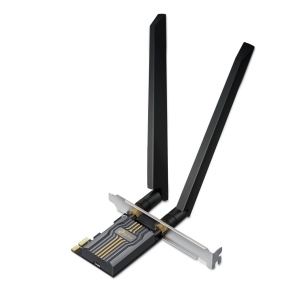



Network Interface Cards for desktops, servers and workstations
Most PCs and servers have at least one network port built into the motherboard, but the built-in port is often slow (gigabit), single-purpose, or wired in a way that limits where it can be cabled. NICs add ports, faster speeds, redundant connections or specialty interfaces that the host's onboard port cannot provide.
What this category covers
PCIe NICs in single, dual and quad-port configurations at 1 GbE, 2.5 GbE, 10 GbE and 25 GbE speeds; USB-to-Ethernet adapters for notebooks and Mini PCs without built-in Ethernet; SFP+ cards that take optical or DAC modules for fibre links; and specialty NICs with hardware offloads for storage (iSCSI, RDMA) and virtualization.
How to choose a NIC
Match the speed to the workload and the network
1 GbE is fine for office desktops. 2.5 GbE matches modern Wi-Fi 6 access points and high-speed home internet. 10 GbE belongs on workstations doing heavy file transfers (video editing, design, data analysis) and on servers. 25 GbE and 100 GbE are for data centres.
Confirm the bus interface
PCIe x1 slots can carry 1 GbE comfortably and 2.5 GbE with margin; 10 GbE needs PCIe x4 minimum (Gen 3 or newer); 25 GbE needs PCIe x8. Check the motherboard's available slot generation and width before specifying.
Decide on copper or fibre
Copper RJ45 NICs are simpler for short runs (within 100 metres). SFP+ cards take small form factor pluggable modules for fibre, direct-attach copper (DAC) or short twisted-pair (BASE-T SFP+). Server racks often run direct-attach copper between switch and host for short cabinet runs.
Plan for redundancy
Dual-port NICs allow link aggregation (LACP) for higher throughput or active-backup failover for redundancy. Quad-port NICs are common in servers that connect to multiple network segments. For mission-critical hosts, two separate NICs (not just one dual-port card) avoid the card itself being a single point of failure.
Key features to compare
Driver support
Driver maturity varies by chipset. Intel and Mellanox cards have the broadest support across Windows, Linux, VMware and FreeBSD. Cheaper Realtek and Aquantia cards work on most platforms but with mixed performance under load.
Hardware offloads
TCP segmentation offload (TSO), receive-side scaling (RSS) and checksum offload reduce CPU load at high speeds. iSCSI and RDMA offloads matter for storage workloads. For 10 GbE and above, offloads make a measurable difference in real throughput.
Server vs desktop variants
Server NICs are designed for 24/7 operation with longer driver support, ECC (Error-Correcting Code) memory on some cards, and chipsets selected for sustained throughput. Desktop NICs are cheaper and fine for workstation use but not always reliable in continuous server roles.
What to check before buying
- Required speed (1, 2.5, 10, 25 GbE)?
- PCIe slot generation and width available in the host?
- Copper RJ45 or SFP+ for fibre and DAC?
- Single or multi-port for redundancy and aggregation?
- Operating system driver support for the chipset?
Frequently asked questions
Should I add a NIC if my motherboard already has Ethernet?
Yes, when you need a faster speed than the onboard port, multiple network connections (for VLANs, redundancy or specialized traffic), or a different interface (SFP+ for fibre). For office workstations on a gigabit network, the onboard port is fine.
Will a 10 GbE NIC work on a gigabit network?
Yes, modern multi-rate NICs auto-negotiate down to gigabit. The 10 GbE benefit only appears with a 10 GbE switch on the other end and 10 GbE-capable cabling between them. Buying 10 GbE on a gigabit network is forward-planning, not an immediate speed gain.
What is the difference between SFP+ and 10GBASE-T?
SFP+ is a modular cage that takes an optical or copper module: fibre transceivers, direct-attach copper cables, or short twisted-pair adapters. 10GBASE-T is a fixed RJ45 port that takes standard CAT 6A copper cable. SFP+ is more flexible and used in racks; 10GBASE-T is simpler and used at desks.
Why are my NIC speeds slower than expected?
Common causes: PCIe slot is slower than the NIC needs (x1 instead of x4, or older PCIe generation), cable not rated for the speed (CAT 5e for 10 GbE), CPU is the bottleneck without hardware offloads, or duplex/speed misnegotiation with the switch. Check each link in the chain.
Are USB-to-Ethernet adapters reliable?
For occasional use and travel, yes. For permanent desktop use, a built-in or PCIe NIC is more reliable and typically faster. USB 3.x gigabit adapters work well; 2.5 GbE USB adapters are improving. USB connection drops are the most common failure mode and rarely happen with built-in NICs.