
Sound Cards
9 results
Sound Cards
9 results
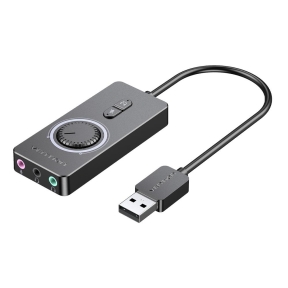
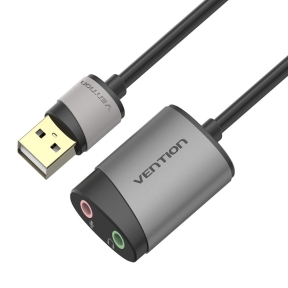
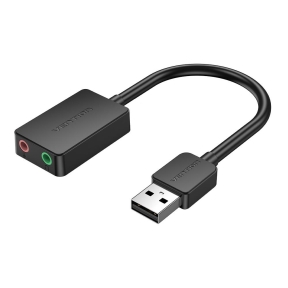
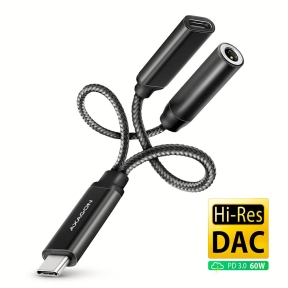
Internal PCIe sound cards and external USB audio interfaces for music production, voice acting and high-fidelity gaming where on-board codecs fall short. Listings show channel count, sample rate, ASIO support and the bundled software so audio engineers and content creators choose an interface that matches the microphones, monitors and DAW software they already use daily.
Loading...

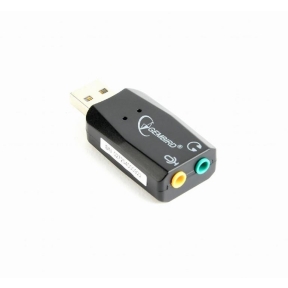

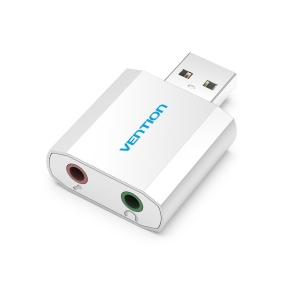

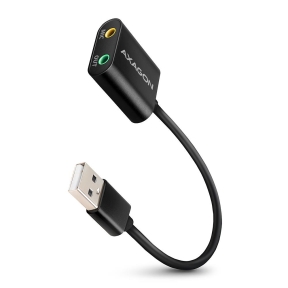

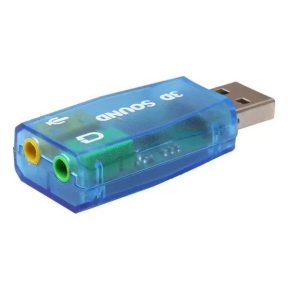





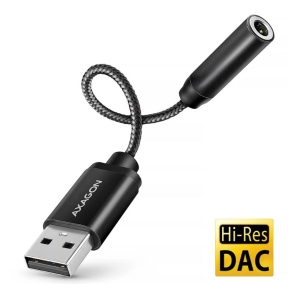
Category overview
Most modern motherboards include onboard audio that is good enough for office and casual use. A dedicated sound card or USB audio interface adds value when the workload involves music production, podcasting, voice work, or driving high-impedance headphones that the onboard output cannot push cleanly.
What this category covers
PCIe sound cards with higher-grade digital-to-analog converters and dedicated headphone amplifiers; USB audio interfaces with microphone preamps and instrument inputs; and small external converters and amplifiers used between a computer and analog gear.
How to choose audio hardware
Define the workload
For music production, the input chain matters: how many microphones, instruments and line inputs need to record at once, and at what sample rate. For broadcasting and voice, low input noise and a clean preamp matter most. For listening, the output chain (DAC, headphone amp) is the priority.
Internal or external
PCIe sound cards stay tied to one PC and can deliver lower latency in some setups. USB and Thunderbolt audio interfaces can move between hosts, work with notebooks, and are isolated from PC internal noise. For most current users, an external interface is the more flexible choice.
Match the input and output count
Pick an interface with a few more inputs than the current need to allow for one or two extra sources later. The number of preamp inputs is fixed at the device level; expanding usually requires an additional unit with digital input/output for chaining.
Key features to compare
Sample rate and bit depth
For most professional work, 24-bit at 48 kHz or 96 kHz is enough. Higher rates use more disk space and CPU. Higher bit depths matter more than higher sample rates for headroom during recording.
Latency and driver quality
Round-trip latency depends on the driver, buffer size and CPU. Manufacturers with mature drivers (especially on Windows ASIO and macOS Core Audio) usually outperform cheaper interfaces with the same hardware specifications.
Headphone output
For high-impedance studio headphones, a strong headphone amplifier matters more than DAC specifications. Listings usually note the maximum supported impedance and output power.
What to check before buying
- How many simultaneous inputs and outputs does the workflow need?
- Is the device meant for one fixed PC, or should it move between hosts?
- Does the headphone amplifier match the impedance of the planned headphones?
- Are the drivers stable on the operating systems in use?
Frequently asked questions
Do I still need a sound card?
For office, video calls and casual listening, onboard audio is usually fine. A dedicated card or USB interface helps when the workload involves recording, broadcasting, mixing, or driving high-end headphones. For most general builds, the onboard output is enough.
What is the difference between a DAC and a sound card?
A digital-to-analog converter (DAC) converts a digital audio stream to an analog signal. A sound card includes a DAC and usually an analog-to-digital converter (ADC) for inputs, plus extras like preamps, headphone amplifiers and digital outputs. A standalone DAC focuses only on output quality.
USB or PCIe audio interface?
USB and Thunderbolt interfaces are more flexible: they move between hosts, work with notebooks, and avoid PC internal noise. PCIe cards can have lower latency in some setups but are tied to one PC. For most users today, USB is the practical choice.
How important is the microphone preamp?
For voice and instrument recording, the preamp is the part of the chain that sets the noise floor. A clean preamp on a modest interface usually outperforms a noisy preamp on a more expensive unit. Independent reviews of the specific model are the best reference.
Does sample rate above 96 kHz matter for general use?
For most listening and even most production work, no. Higher sample rates use more storage and CPU and rarely produce an audible difference. They mainly matter in specific scientific, archival or specialized audio workflows.