
Digitizers & Stylus Pens
19 results
Digitizers & Stylus Pens
19 results
Digitizer pens, replacement nibs and accessories for graphics tablets, pen displays and pen-enabled notebooks. The selection covers active pens with pressure sensitivity for drawing and design, simple capacitive styli for navigation and signature capture, and replacement tips that wear out with daily use. Each pen is paired with a specific digitizer protocol, so the listings group items by host compatibility rather than by appearance.
Loading...


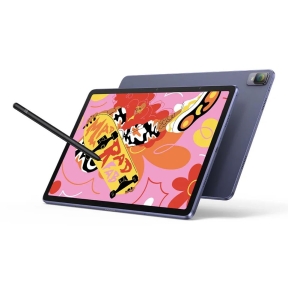

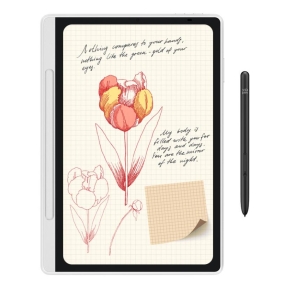


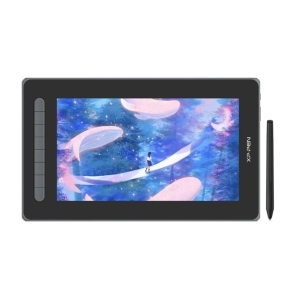

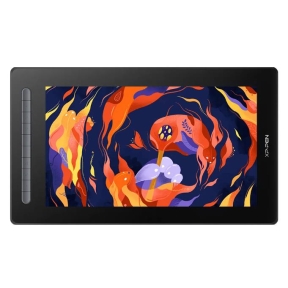

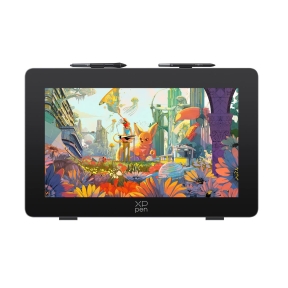

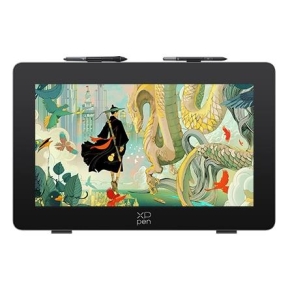


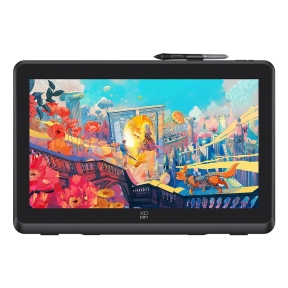

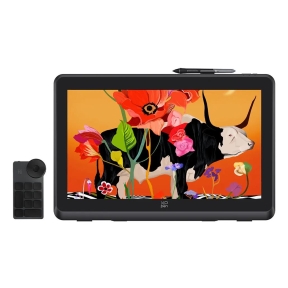

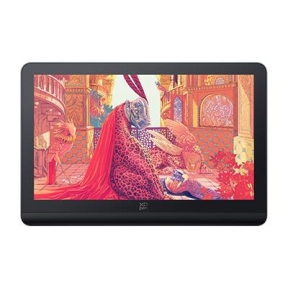

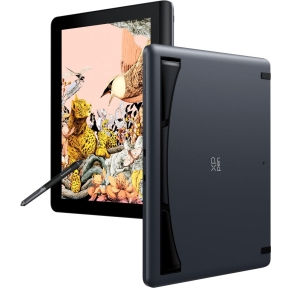
Category overview
A digitizer pen is paired with a specific protocol and host device, not just a screen. Choosing the wrong pen for a tablet or display means it either does not register at all or loses pressure sensitivity. The category lists pens by compatible protocol so the match is straightforward.
What this category covers
Active pens for major pen-display and tablet protocols, replacement nibs in different hardness ratings, capacitive styli for general touchscreens, and small accessories such as pen holders and grip rings.
How to choose a digitizer or stylus
Match the pen to the host protocol
Pen displays and graphics tablets use specific digitizer protocols (for example Wacom EMR, AES, MPP). The pen has to match the protocol of the host display or tablet. A pen meant for one protocol will not work on another, regardless of how similar the tip looks.
Check pressure levels and tilt support
Lower-cost pens may report 1024 or 2048 pressure levels; modern pens for design work usually report 4096 or 8192. Tilt support adds a second axis that some painting and sketching software uses for natural strokes. For signing and basic note-taking, fewer pressure levels are fine.
Consider how often nibs wear
Daily use wears the nib down over weeks to months, depending on the screen surface. Buying replacement nibs in the same order as the pen avoids downtime when the first set is worn.
What to check before buying
- What is the exact protocol of the host tablet, pen display or notebook?
- Will the pen be used for drawing (where pressure and tilt matter) or for navigation and signing (where they do not)?
- Does the pen need a battery, or is it powered through the screen?
- Are spare nibs included, and is a replacement set available separately?
Frequently asked questions
Will any stylus work on my pen display?
No. Pen displays use a specific digitizer protocol, and the pen must match. A capacitive stylus made for general touchscreens will not give pressure sensitivity on a pen display, and an active pen for one protocol will not work on a tablet that uses a different one.
How long does a pen nib last?
It depends on grip pressure, screen texture and hours of use. A typical nib lasts from a few weeks of heavy daily drawing to several months of lighter use. Replacement nibs usually come in packs of 5 to 10.
Do I need a pen with a battery?
Most modern pen-display protocols power the pen wirelessly through the screen, so no battery is needed. Some pens use a small replaceable battery or an internal rechargeable cell to add features like programmable buttons or higher report rates.
What are pressure levels in practice?
The pressure level count is the resolution of the pressure axis the pen reports. The visible difference between 4096 and 8192 levels is small for most users; the larger gain is between an unpressured stylus and any active pen. For professional design work, more levels and tilt support add nuance.
Can a stylus damage my screen?
A pen with the correct nib for the screen will not damage it. Damage usually comes from a worn-down nib pressing the metal core onto the screen, or from grit caught between nib and screen. Replace nibs when they show clear wear and clean the screen regularly.