
Other Projector Accessories
12 results
Other Projector Accessories
12 results
Consumables and spare parts for projector installations: replacement lamp modules for traditional UHP projectors, replacement air filters, signal cables in HDMI, VGA and DisplayPort for long ceiling-to-source runs, remote controls, lens caps and small spare parts. Stocking these alongside the projector keeps installs running smoothly between scheduled service visits and avoids emergency next-day shipping.
Loading...

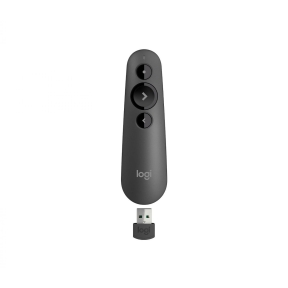

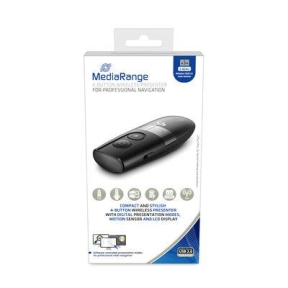

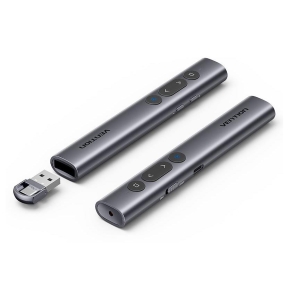

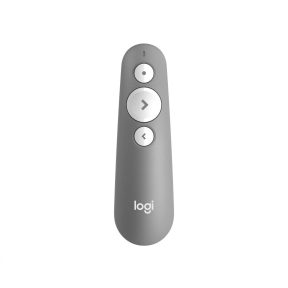

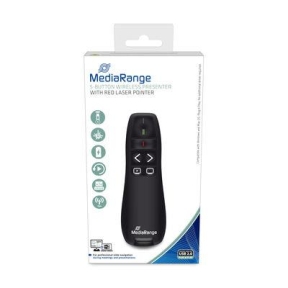

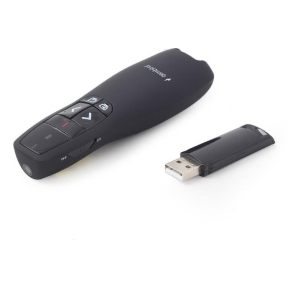

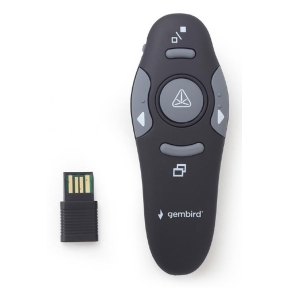

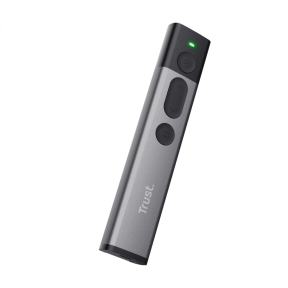

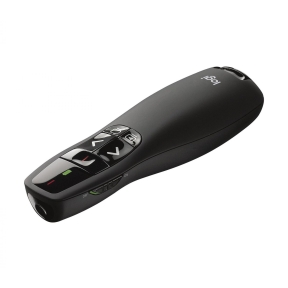
Lamps, filters and spare parts that keep projectors running
Traditional projectors are consumable-driven products: lamps wear out, filters clog, cables fail. Stocking the right consumables before they are needed keeps the install operating during peak training weeks and avoids emergency next-day shipping at peak prices. Laser projectors avoid the lamp question, but cables and remotes still belong in the inventory.
What goes into the inventory list
Replacement lamp modules with the housing assembly required by the projector model; replacement air filters; High-Definition Multimedia Interface (HDMI), Video Graphics Array (VGA) and DisplayPort cables in long lengths for ceiling-to-source runs; replacement remote controls; lens caps and protective covers; and small spare parts (mounting screws, housing pieces, ventilation grilles).
How to plan projector consumables
Match the lamp module to the exact projector model
Lamp modules are model-specific. The lamp itself is part of an assembly with the housing, ballast contacts and sometimes a small fan. Generic lamps fitted into the original housing are sometimes available cheaper, with mixed reliability; original-equipment-manufacturer (OEM) lamps cost more and avoid the question. The projector's manual or label lists the correct lamp part number.
Track lamp hours and replace before failure
Most projectors track operating hours and warn when the lamp approaches its rated life (often 2,000 hours in normal mode, 4,000 to 6,000 in eco mode). Replace at the warning rather than waiting for failure; failure during a presentation or training session is what consumables are meant to prevent.
Clean filters on schedule
Air filters keep dust out of the projector's internals. Clogged filters cause overheating, throttling and shortened lamp and Digital Light Processing (DLP) chip life. Most projectors flag filter cleaning every 500 to 1,000 hours; replacement filters are inexpensive and worth keeping in stock.
Stock cables for the actual cable run
Ceiling-mounted projectors need long HDMI or High-Definition Baseband Transport (HDBaseT) runs from the source location. Specify cables rated for the actual run length and the projector's resolution and refresh rate. Long passive HDMI runs above 10 metres often need active or fibre-optic cables for reliable 4K signal.
What to check before buying
- Exact projector model and the corresponding lamp part number?
- OEM lamp or generic replacement, with the trade-offs understood?
- Replacement filters in stock to match the projector's filter schedule?
- Cable lengths and ratings appropriate for the install?
- Spare remote controls for shared and meeting room installs?
Frequently asked questions
Can I use a generic replacement lamp instead of OEM?
Generic replacement lamps fitted into the original housing cost roughly half of OEM lamps. Quality varies: reputable third-party suppliers match OEM brightness and life within a few percent; cheap unbranded lamps often dim faster and may fail early. For business-critical installs, OEM lamps remove the variable. For home or occasional-use projectors, generic lamps are usually fine.
How do I know when to clean the filter?
Most projectors track filter hours and display a maintenance message when the schedule is due. Visible dust accumulation on the filter mesh is also a clear sign. Cleaning is usually a vacuum or a gentle wash depending on the filter type; replacement is needed when the filter is damaged or beyond cleaning.
Why does my projector image look red or yellow?
The lamp is at end of life. Ultra-High-Performance (UHP) lamps shift colour temperature toward yellow and red as they age; the image looks warmer and dimmer than it should. Replace the lamp; the colour returns to factory spec.
Are projector remotes interchangeable?
Generally not. Each projector model uses its own infrared codes, and remotes are specific to that model or product line. Replacement remotes are sold as model-specific accessories. Some universal remotes can be programmed for projectors but rarely cover all the projector's special functions.
How long should I keep replacement parts in stock?
Lamps for active installs: at least one spare per projector, replaced as part of regular maintenance. Filters: enough for one annual cycle plus a few extras. Cables: one or two of the most common ones in the install. The cost is low compared to the price of a delayed presentation, training session or product launch.